Samsung edition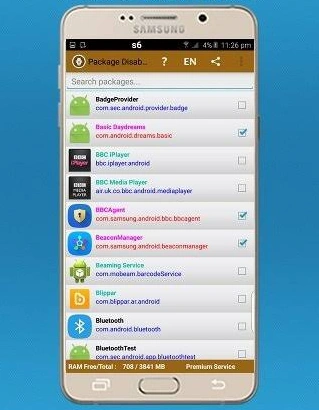 Your apps. Your choice.
Your apps. Your choice.Package Disabler (Samsung)
Made for your Samsung device. Take control of unwanted apps and services with the Samsung edition.
One-time · On-device appSubscription · Remote management
Your phone. Minus the unwanted apps.
Take back control of your Samsung or Android device.
Two editions. One simpler device.
Your apps. Your choice.Made for your Samsung device. Take control of unwanted apps and services with the Samsung edition.
 Your apps. Your choice.
Package management for Android devices. The Device Owner edition, previously called Package Disabler (owner App).
All licenses are non-transferable.
The app runs directly on your device. Manage your apps on the device itself, without cloud remote management.
One-time purchaseManage your device remotely with cloud access. Choose a subscription for remote package management.
SubscriptionWatch the Package Disabler demonstration featured on XDA Developers.
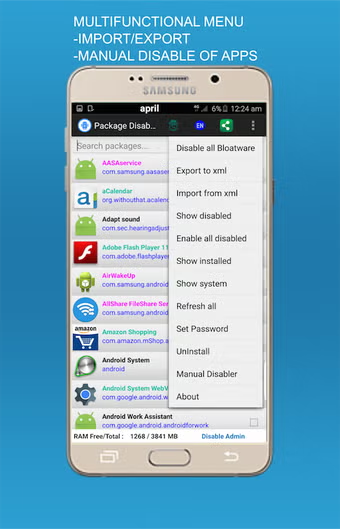
Package Disabler
Featured on XDA Developers Read the original article
From a single unwanted app to your full package list, keep control of what runs on your device. Cloud adds remote access when you need it.
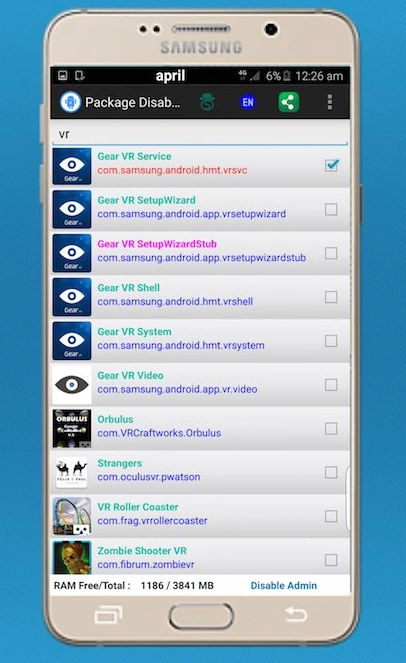
Deactivate pre-installed or user-installed packages without rooting your device. Re-enable them whenever you need them.
Disable bloatware in a single action and reduce unnecessary background activity on your device.
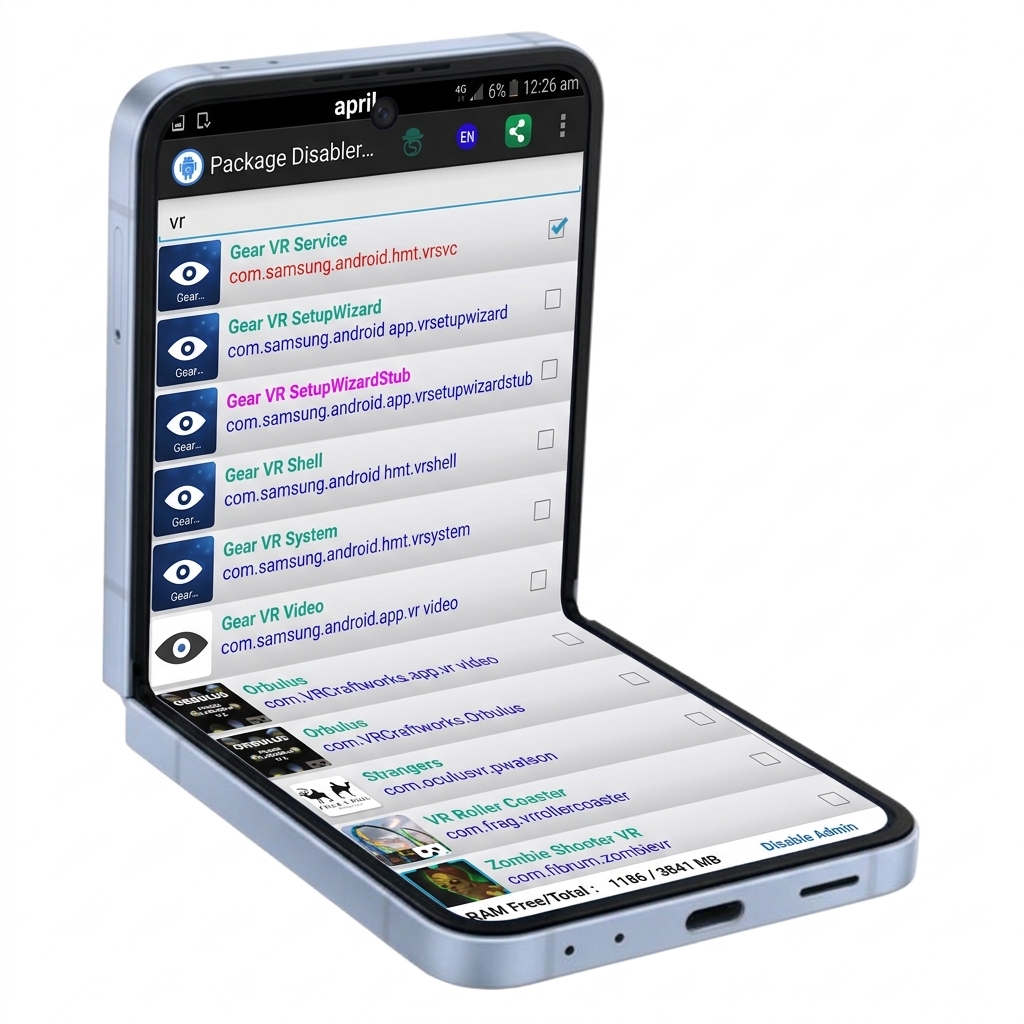
Find a package by name and filter your list to show installed, system, or disabled apps.
Manage packages together, including re-enabling all disabled apps in one step.
Export your disabled app list to an XML file and import it later to restore your package configuration.
Protect your app settings with a password and help prevent unauthorized changes.
View details about your device, including its CPU, display, network, battery, storage, and sensors.
With a cloud subscription, manage packages remotely and back up or restore your disabled app list.
Feature availability varies by edition and device. Full product details
Questions about your device or license? Get in touch.